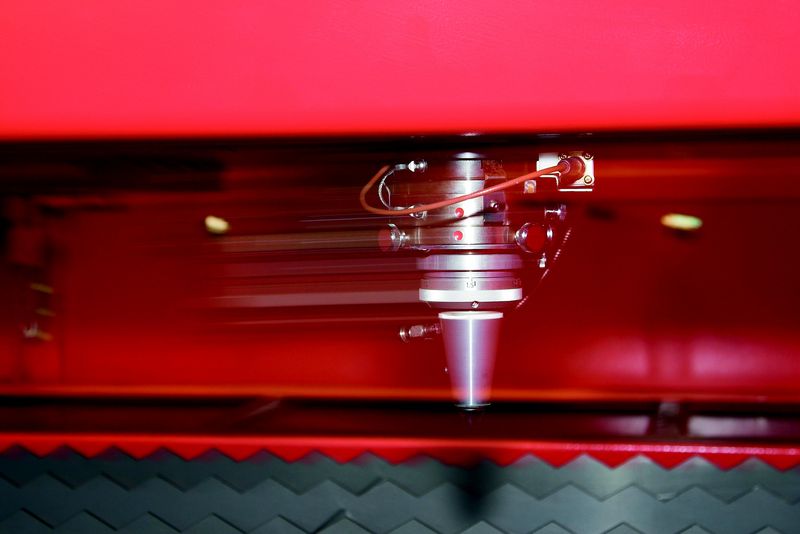
The QUATTRO is one of the most flexible, efficient and compact lasers on the market. Many metal working companies have a large number of components to manufacture but only need to produce one or two at a time. Ease of use, plus low operating costs make the QUATTRO the ideal solution for low volumes, without forgoing precision and quality.
This machine is no longer available.
Find the laser machine that suits your needs
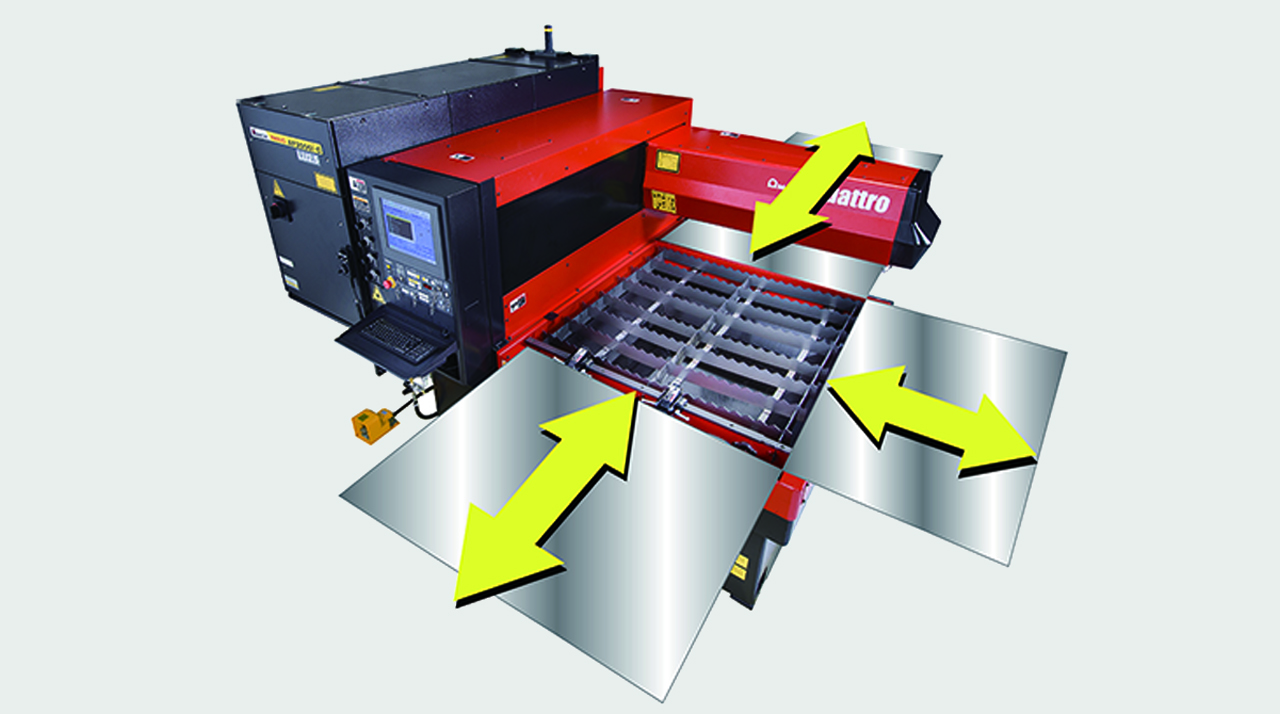
FULL ACCESS TO THE CUTTING AREA:
The three accessible sides of the QUATTRO laser facilitate sheet metal loading and unloading. Large-sized sheets which are bigger than the work area can also be processed, repositioning them manually.
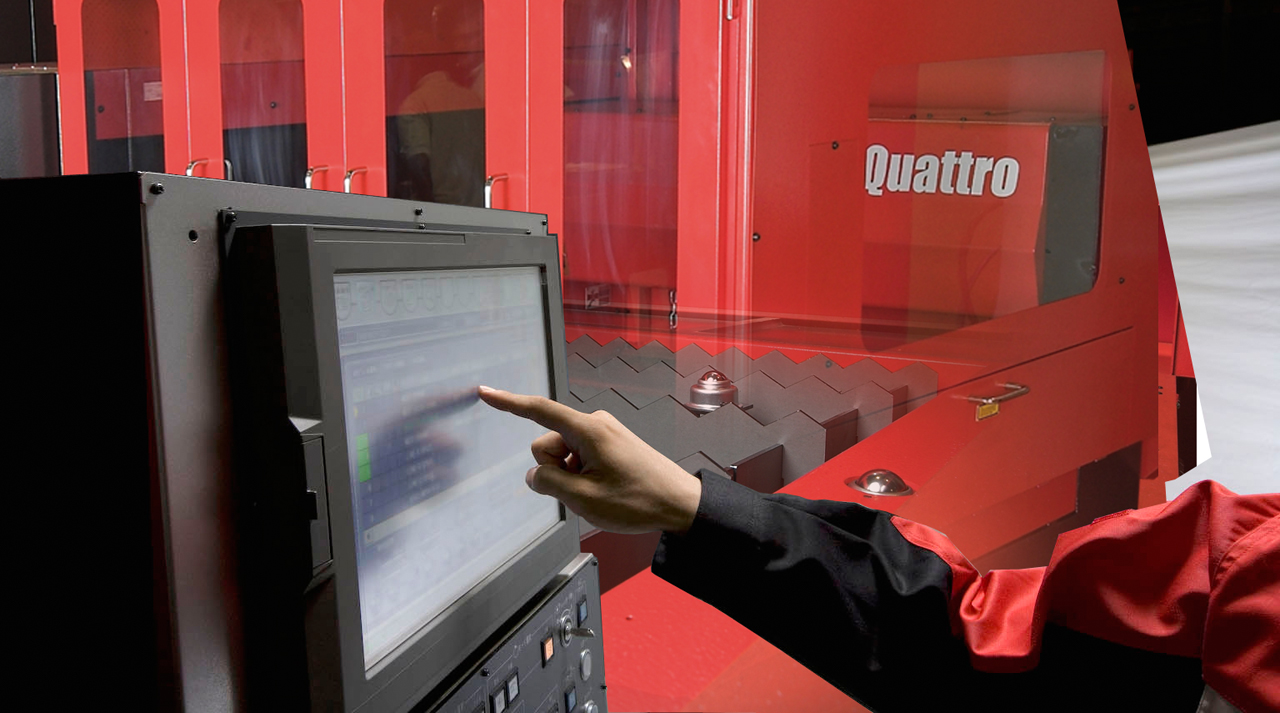
COMPACT STRUCTURE:
With a footprint of just 6.4 m2, the QUATTRO is AMADA's smallest laser. The oscillator and numerical control are contained within the machine to maintain its extremely compact size.
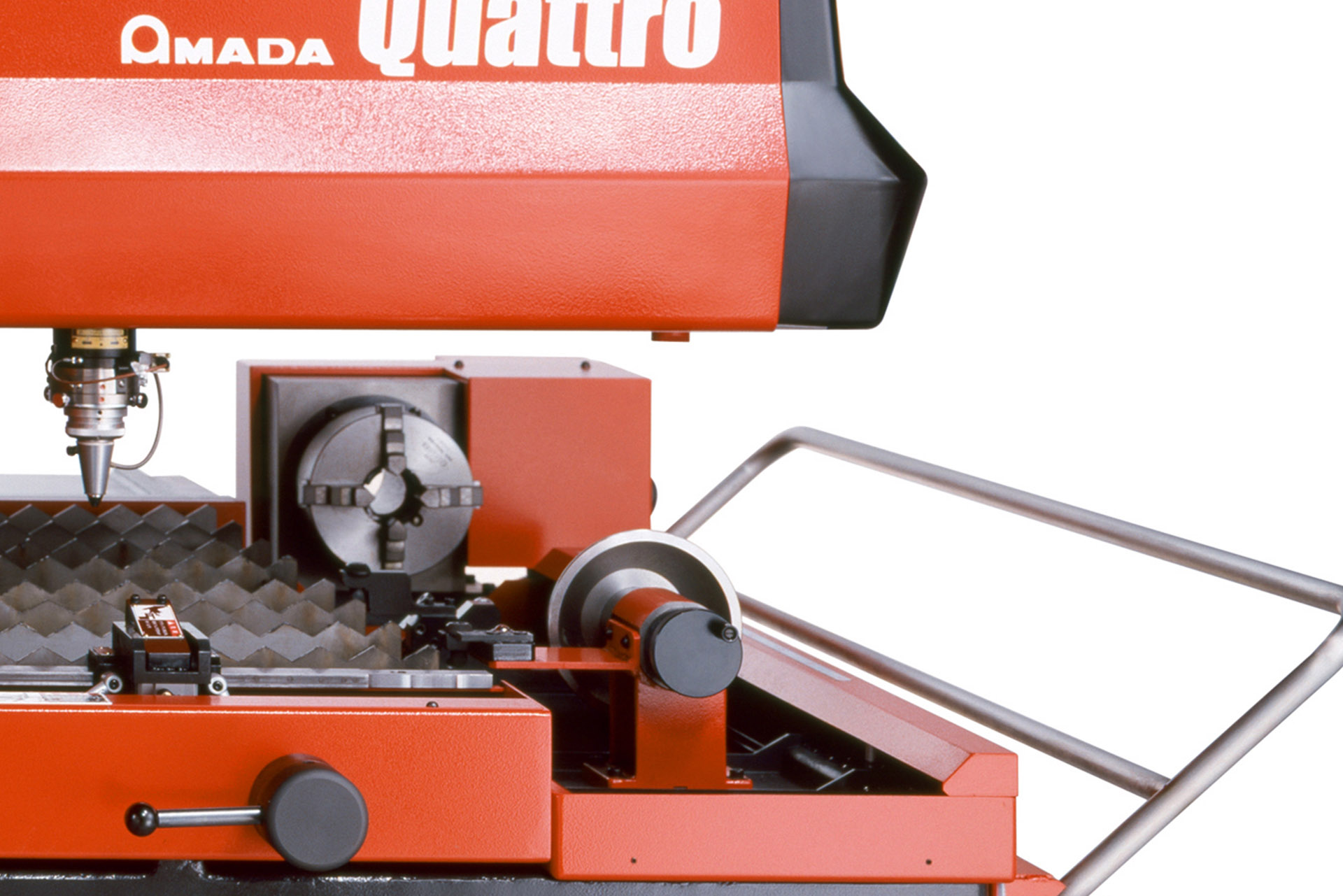
DIVERSIFIED PROCESSING:
With the QUATTRO, not only sheet metal but rectangular and square tubes can be processed, providing even greater flexibility. (Option)
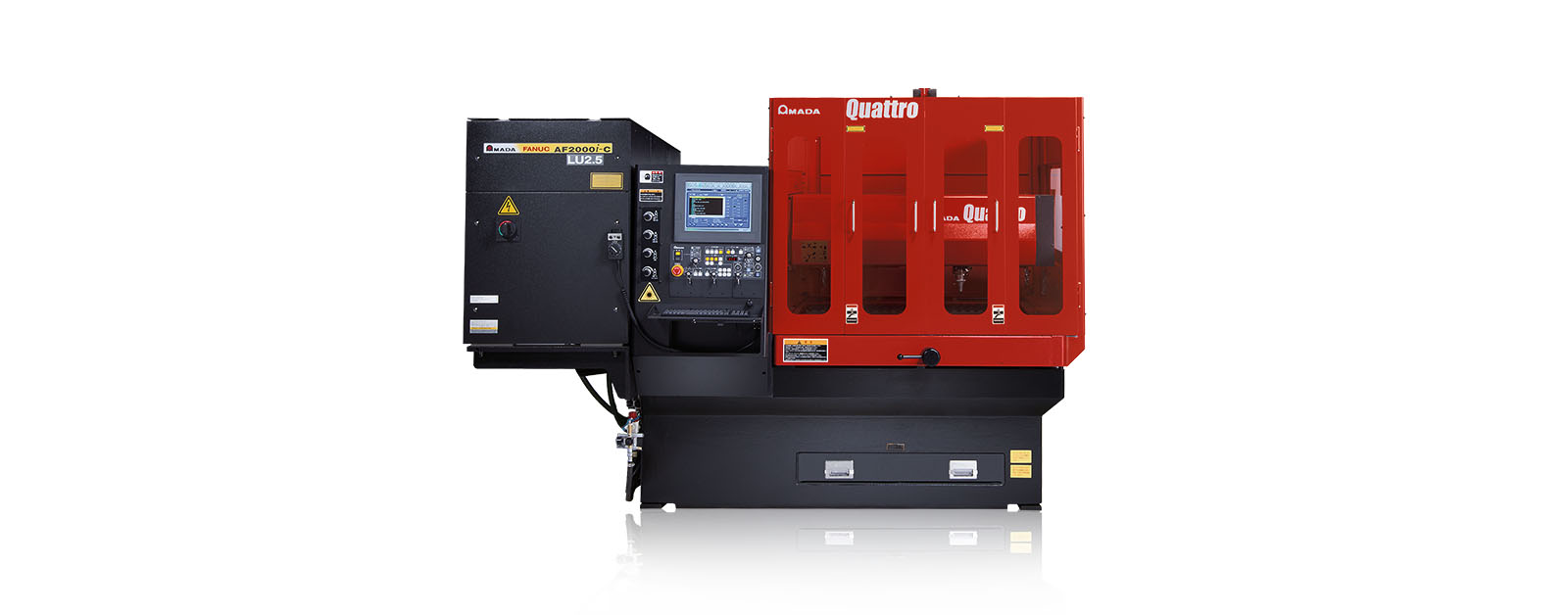
FULL ACCESS TO THE CUTTING AREA:
The three accessible sides of the QUATTRO laser facilitate sheet metal loading and unloading. Large-sized sheets which are bigger than the work area can also be processed, repositioning them manually.
COMPACT STRUCTURE:
With a footprint of just 6.4 m2, the QUATTRO is AMADA's smallest laser. The oscillator and numerical control are contained within the machine to maintain its extremely compact size.
DIVERSIFIED PROCESSING:
With the QUATTRO, not only sheet metal but rectangular and square tubes can be processed, providing even greater flexibility. (Option)
| QUATTRO | QUATTRO | |
|---|---|---|
| Laser power (W) | 1000 | 2500 |
| Machine type | CO₂ flying optic laser | CO₂ flying optic laser |
| Working range X x Y (mm) | 1250 x 1250 | 1250 x 1250 |
| Working range Z-axis (mm) | 100 | 100 |
| Table loading weight (kg) | 80 | 160 |
Material thickness (max.)*: | ||
| - Mild steel (mm) | 6 | 12 |
| - Stainless steel (mm) | 2 | 5 |
| - Aluminium (mm) | 1 | 4 |
Dimensions: | ||
| Length (mm) | 2900 | 2950 |
| Width (mm) | 2450 | 2450 |
| Height (mm) | 2160 | 2160 |
| Weight (kg) | 3750 | 4150 |
* Maximum thickness value depends on material quality and environmental conditions
Technical data can vary depending on configuration / options
Please contact us for more details and options or download our brochure

For your safe use.
Be sure to read the user manual carefully before use.
When using this product, appropriate personal protection equipment must be used.

Laser class 1 when operated in accordance to EN 60825-1
From a technical standpoint, the installer is engineered for efficiency. The executable file, while substantial in size (often exceeding 1.5 GB), is optimized for Windows and macOS environments. The installation wizard guides the user through licensing options, allowing the selection of a "Trial License" instead of a permanent "Authorized User License." This seamless process ensures that within minutes of download, a user can perform descriptive statistics, T-tests, ANOVA, regression models, and even advanced machine learning algorithms without artificial restrictions. For the first-time user, this integrity builds trust; what they learn during the trial is exactly what they will use in production.
The IBM SPSS Statistics Desktop Installer Trial is more than a marketing sample; it is a pedagogical bridge. By offering full functionality within a limited timeframe, IBM respects the reality that statistical software cannot be evaluated by screenshots or tutorials alone. The installer empowers the user to perform real analysis on their own data, ask "what if" questions, and validate the software’s utility against their specific workflows. For the student, it is a temporary key to a powerful toolkit. For the professional, it is a due diligence tool. Ultimately, the trial installer democratizes access to high-end analytics, ensuring that the decision to purchase SPSS is based on experience, not speculation. As long as users plan their evaluation period carefully and understand its boundaries, the trial remains the most effective way to determine whether IBM SPSS Statistics is the right analytical companion for their journey into data.
The most defining feature of the IBM SPSS Statistics trial is its functional parity with the paid version. Unlike many software trials that limit features, export options, or dataset sizes, the SPSS trial installer provides access to the complete suite of analytical capabilities. Upon downloading the installer from IBM’s official website, users gain immediate access to the familiar, menu-driven interface that has defined SPSS for decades. This includes the Data View for spread-sheet style entry, the Variable View for defining data properties, and the full output viewer. ibm spss statistics desktop installer trial
Another critical consideration is the in the base trial. While the core SPSS Statistics package is fully available, specialized modules such as the "Missing Values," "Conjoint," or "Complex Samples" add-ons are often excluded or require separate trial requests. This can frustrate advanced researchers who need specific bootstrapping or decision tree algorithms.
In an era defined by big data, the ability to interpret complex information is no longer a luxury but a necessity for organizations, researchers, and students alike. Among the pantheon of analytical tools, IBM SPSS Statistics stands as a gold standard for predictive analytics and statistical analysis. However, before committing to a substantial software license, most users first encounter the product through a critical gateway: the IBM SPSS Statistics Desktop Installer Trial . This 14 to 30-day evaluation version is not merely a demo; it is a fully functional, strategic tool designed to bridge the gap between theoretical statistical knowledge and practical, hands-on data mastery. From a technical standpoint, the installer is engineered
The primary value of the trial installer lies in its role as an educational accelerator. University students often encounter SPSS for the first time when writing a thesis or completing a capstone project. The trial allows them to practice data manipulation—recoding variables, computing new fields, and handling missing data—without requiring immediate institutional funding. Similarly, small businesses and independent consultants can use the trial to assess whether SPSS’s specific output (such as its renowned pivot tables and high-resolution charts) meets their reporting standards.
Despite its strengths, the trial installer has inherent limitations that users must respect. The most obvious is the —typically 14 days for the latest versions, though occasionally extended to 30 days. Once the countdown begins, it cannot be paused. Additionally, the trial requires an internet connection for license activation and validation, which can be a hindrance in secure, offline environments. Users should also note that while the trial allows saving of SPSS (.sav) files, these files become unopenable in the trial once the license expires, prompting a purchase or subscription. For the first-time user, this integrity builds trust;
Furthermore, the trial serves as a risk-mitigation tool for IT departments. Before deploying SPSS across an enterprise, systems administrators can run the installer in a sandbox environment to verify compatibility with existing antivirus software, network policies, and hardware constraints. The trial period allows organizations to test the software’s performance on large datasets (e.g., 10,000+ rows) to ensure that their workstations possess sufficient RAM and processing power.